The AI‑Powered UI Landscape in 2026
Designers and developers no longer spend hours sketching wireframes before a single line of code is written. 2026’s AI engines can translate a sentence, a hand‑drawn sketch, or a low‑fidelity wireframe into production‑ready components, complete with HTML, CSS, and even React JSX. The market has coalesced around a handful of platforms that combine rapid prototyping, seamless handoff, and code quality—making the choice between them a strategic one rather than a convenience.

The Contenders
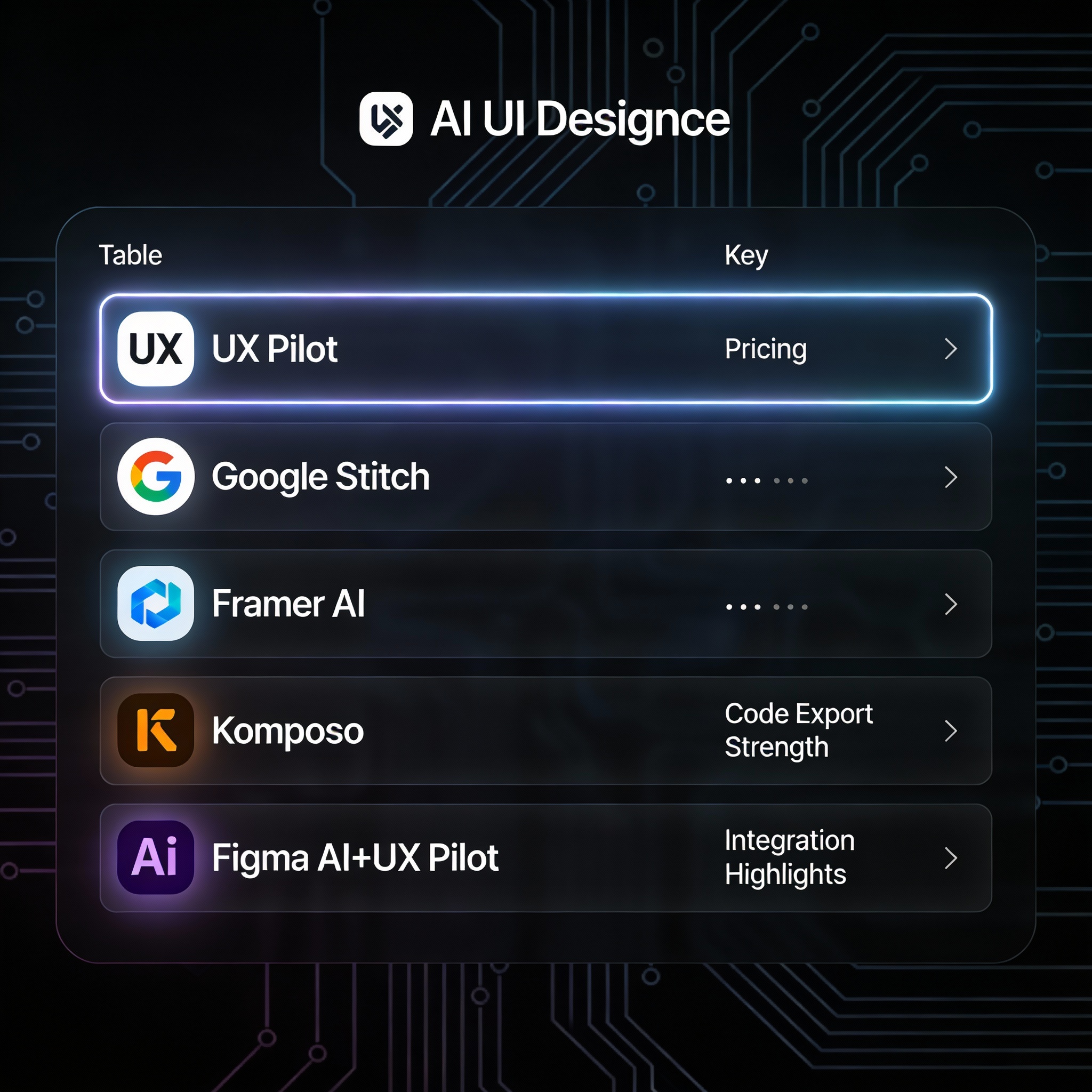
| # | Tool | Core Strength | Typical Output | Pricing (starting) | Integration Highlights |
|---|---|---|---|---|---|
| 1 | UX Pilot | AI‑driven UI generation inside Figma | Wireframes → high‑fidelity screens | Free tier + low‑cost Figma plugin | Figma‑first, text‑to‑UI, sitemap creation |
| 2 | Google Stitch | Free, experimental Gemini‑powered prototyping | HTML/CSS, Tailwind, React/JSX, Figma files | Free (Google Labs) | Direct export to code & Figma, multi‑screen flows |
| 3 | Framer AI | No‑code website creation with built‑in hosting | Hosted interactive sites, CMS‑ready pages | Free tier; $10‑$100 /mo | Framer canvas, drag‑and‑drop, limited code export |
| 4 | Komposo | Production‑grade UI code from prompts | Clean React, Vue, Angular components | Free tier; paid plans undisclosed | CLI & web UI, focuses on developer handoff |
| 5 | Figma AI + UX Pilot | Native AI tools plus UX Pilot’s generation | Native Figma components, prototypes | Free (Figma) + plugin cost | Collaboration, version control, inconsistency detection |
These five tools dominate the 2026 rankings because they excel across three dimensions that matter most to modern product teams: design quality, code export robustness, and workflow integration. Free or low‑cost options like Google Stitch and Framer AI lower the barrier for early‑stage founders, while enterprise‑grade plugins such as UX Pilot keep large design squads productive inside the industry‑standard Figma environment.
Feature Comparison Table
| Tool | Best For | Key Output | Starting Price | Code Export Strength |
|---|---|---|---|---|
| UX Pilot | Prototyping in Figma | UI screens, wireframes, sitemaps | Free + plugin | Moderate (Figma → code via plugins) |
| Google Stitch | Free rapid ideation | HTML/CSS, Tailwind, React/JSX, Figma files | Free | Strong (direct code & design export) |
| Framer AI | Websites / no‑code launch | Hosted interactive prototypes | $10 /mo | Weak (hosted only) |
| Komposo | Production UI code | Clean frontend code (React, Vue, Angular) | Free tier | Excellent (ready‑to‑ship code) |
| Figma AI + UX Pilot | Team collaboration | Native Figma components, AI‑assisted layouts | Free + low‑cost plugin | Moderate (Figma handoff) |
Deep Dive: The Tools That Matter Most
1. UX Pilot – The Prototyper’s Secret Weapon
UX Pilot has cemented its reputation as the best overall for prototyping because it lives where designers already work: Figma. Its AI engine can ingest a simple prompt—“Create a mobile checkout flow with a progress bar and coupon field”—and instantly populate a Figma file with a complete set of screens, complete with auto‑generated layout grids and component variants.
Why teams love it
- Seamless Figma integration – No context switching. Designers stay in the familiar canvas, while the plugin writes layers, auto‑naming components, and even suggests a sitemap hierarchy.
- Text‑to‑UI + Wireframe‑to‑Design – Prompt‑based generation works alongside image‑based conversion, letting you upload a hand‑drawn sketch and receive a polished UI in seconds.
- Collaboration‑ready – Because the output lives in a shared Figma file, developers can immediately inspect CSS values, export assets, or hand the file off to a code‑generation plugin.
Limitations
UX Pilot is fundamentally a Figma‑centric plugin. Teams that rely on Sketch, Adobe XD, or a pure code‑first workflow will need an extra step to import the generated frames. Moreover, while the plugin can export design tokens, it does not produce production‑ready React or Vue code out of the box—developers still need a downstream handoff tool.
Pricing reality
The free tier lets any user generate up to five AI‑driven screens per month, which is ample for exploratory work. Paid plans, typically starting at $9 /user/month, unlock unlimited generations, team libraries, and priority support. The cost is modest compared with the time saved on manual wireframing.
2. Google Stitch – The Zero‑Cost Ideation Engine
Google’s experimental Stitch leverages the Gemini family of large language models to turn natural language or rough sketches into both design files and clean code. Its most compelling feature is the dual export pipeline: a Figma file for visual iteration and a code bundle (HTML/CSS, Tailwind, or React/JSX) for immediate front‑end testing.
Why it shines
- Free, no‑strings‑attached – As a Google Labs project, Stitch is openly accessible, making it the go‑to for bootstrapped founders and hobbyists.
- Multi‑screen flow generation – Prompt a series of screens (“login → dashboard → settings”) and Stitch stitches them together with consistent spacing, typography, and navigation patterns.
- Cross‑platform awareness – The Gemini engine understands platform conventions, automatically adjusting UI density for web, mobile web, or Android.
Caveats
Stitch remains experimental. While the UI quality is impressive for early prototypes, the tool lacks enterprise‑grade version control, role‑based permissions, and advanced component libraries. Teams that need strict design system enforcement may outgrow Stitch quickly.
Pricing reality
Completely free for now, but Google warns that future monetization could introduce tiered limits. Early adopters should monitor the roadmap and consider a backup solution for long‑term projects.
3. Komposo – The Developer’s Code‑First Companion
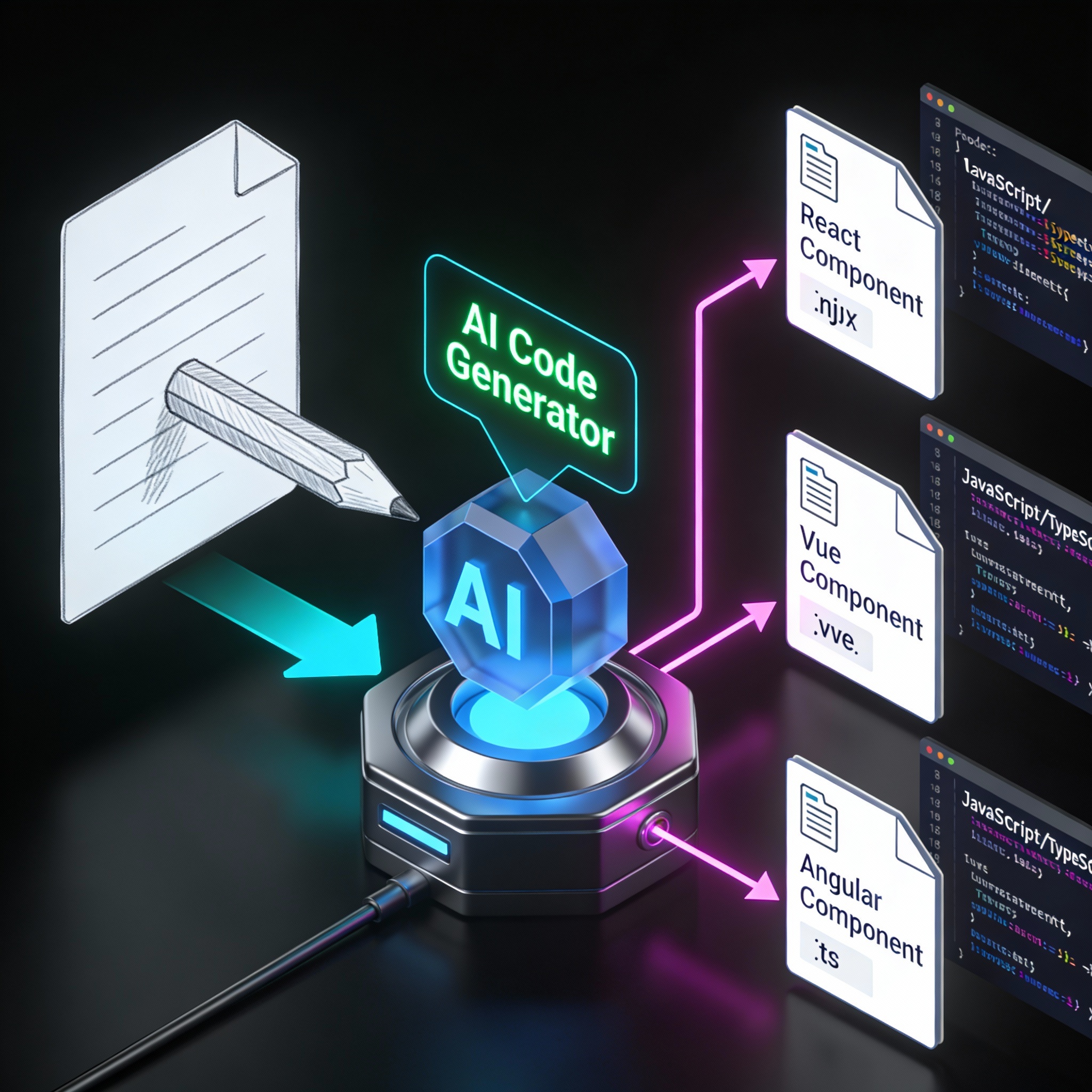
When the goal is production‑ready UI code, Komposo stands out. It accepts natural‑language prompts (“Create a responsive card component with a shadow and hover animation”) or a low‑fidelity wireframe image and returns a clean, framework‑agnostic codebase. The output includes component files, CSS modules, and even unit‑test scaffolding.
Why developers gravitate to it
- High code quality – Komposo’s transformer models are trained on millions of open‑source UI components, resulting in semantic HTML, BEM‑style class naming, and Tailwind‑compatible utilities.
- Framework flexibility – Choose React, Vue, or Angular at generation time; the tool emits idiomatic code for the selected stack.
- Speed to implementation – Teams can go from concept to a commit‑ready PR in under ten minutes, dramatically shrinking the “design‑to‑dev” lag.
Limitations
Komposo’s focus on code means it doesn’t provide a visual design canvas. Designers who need to iterate on layout, color, or typography will still rely on a separate UI tool (e.g., Figma) and then import the design into Komposo for code generation.
Pricing reality
A generous free tier allows up to 20 component generations per month. Paid plans, announced for Q3 2026, start at $15 /user/month and include unlimited generations, private model fine‑tuning, and CI/CD integration hooks.
Verdict: Which AI UI Tool Fits Your Workflow?
| Use‑Case | Recommended Tool(s) | Reasoning |
|---|---|---|
| Rapid ideation & validation (founders, solo creators) | Google Stitch | Free, instant HTML/React export, multi‑screen flow generation. |
| Design‑heavy teams already on Figma | UX Pilot (or Figma AI + UX Pilot) | Deep Figma integration, collaborative handoff, low‑cost plugin pricing. |
| Production‑grade frontend code without design hand‑off | Komposo | Clean, framework‑agnostic code, developer‑first focus, CI/CD ready. |
| No‑code website launch with built‑in hosting | Framer AI | One‑click publishing, CMS features, marketing‑grade aesthetics. |
| Hybrid teams needing both design and code | Google Stitch + Komposo (dual pipeline) or UX Pilot + a code‑export plugin | Combines visual prototyping with high‑quality code generation. |
Bottom line – No single AI tool dominates every scenario. For most product teams, a two‑tool stack delivers the best ROI: use Google Stitch or UX Pilot for rapid visual iteration, then hand the output to Komposo for clean code. Enterprises that demand strict design‑system governance should double‑down on Figma AI + UX Pilot, leveraging Figma’s version control and component libraries while still gaining AI‑accelerated generation.
Final Thoughts
The AI UI design market has matured from novelty experiments to indispensable productivity layers. In 2026, the tools that survive will be those that blend seamlessly into existing workflows, export production‑ready code, and remain affordable for both startups and large organizations. Whether you’re a solo founder sketching a landing page at 2 am or a design director orchestrating a multi‑team redesign, the five platforms above give you a clear, data‑backed roadmap to faster, smarter UI creation.
Stay ahead of the curve, experiment early, and let the AI do the heavy lifting—so you can focus on the problems only humans can solve.